

- Release
- Kawa
- Release
- Flows
Introducing Makimoto Flows: Build Your Speech AI Pipeline One Block at a Time
A visual builder for speech pipelines
- By
- Makimoto Team
- Published
- Reading time
- 2 min read
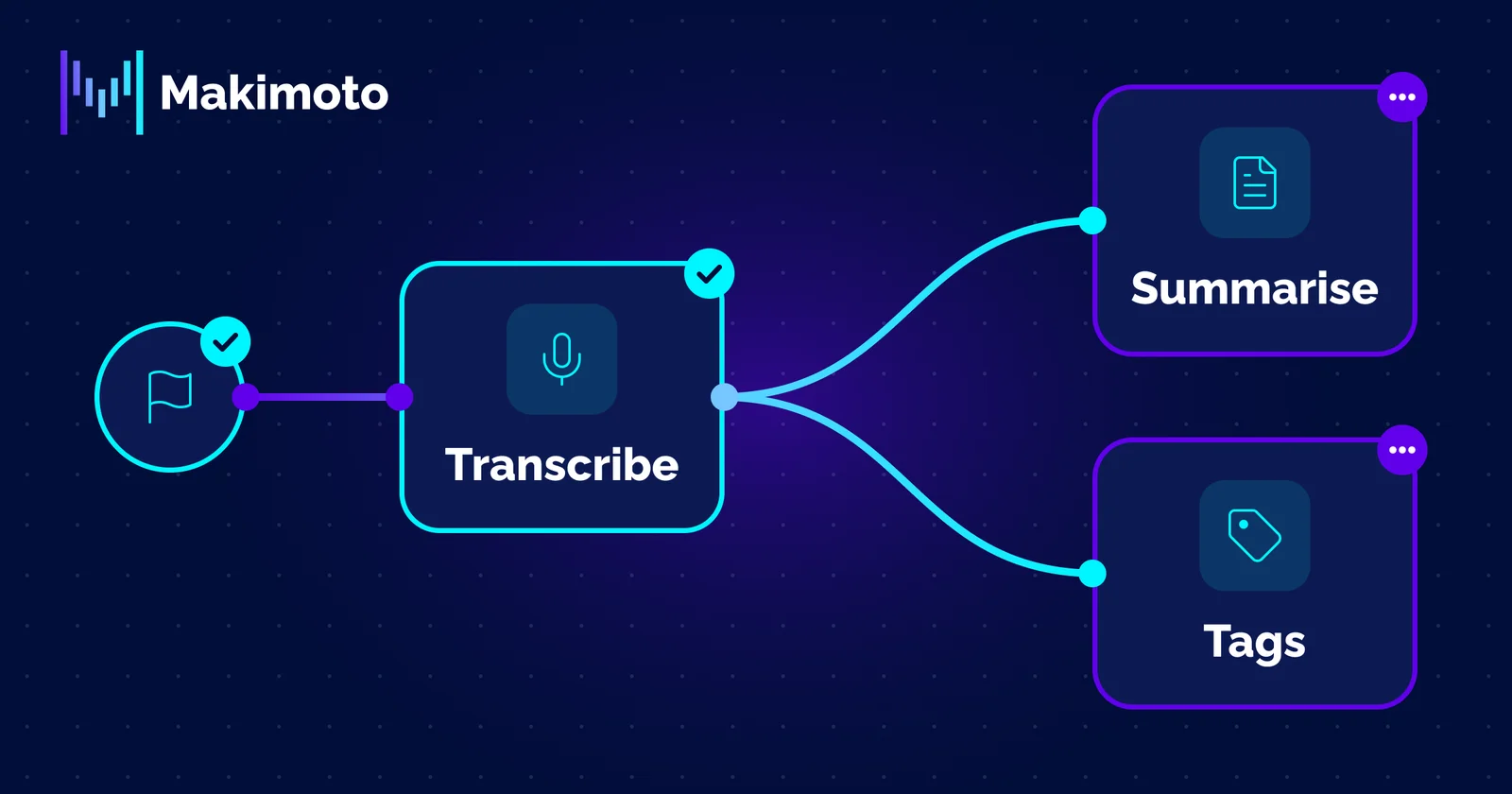
New to Makimoto? Makimoto is an open-source conversational AI initiative built around modular components for speech-driven workflows. Kawa is its speech-to-text layer, and the Python SDK provides a direct way to build with its services.
Most speech AI arrives as a single box. Audio goes in, an answer comes out, and every decision in between belongs to someone else. That works until the recording is a noisy 8 kHz phone line and you need to see which step went wrong.

Today we’re launching Makimoto Flows, a visual builder for speech AI pipelines. You drag blocks onto a canvas, connect them and run them on audio or text. Each block is one step you can see, change and inspect on its own.
Start From a Template

Sign in, open Makimoto Flows from your dashboard, and pick a starting point:
- Transcribe & Understand takes audio in and returns a transcript, a summary and tags.
- Text-only Insights skips transcription when you already have a transcript.
- Chained Analysis tags the summary instead of the raw transcript.
- Blank canvas lets you build from nothing.
Drag in the blocks you need, connect them and press Run. Each block shows its status as it runs, so you can see where a pipeline works and where it doesn’t.
What You Can Build

- Call recap. Transcribe, then Summarise: a topic and a short summary for every call.
- Call triage. Transcribe, then Tags: seven categories per call, including call reason, customer sentiment and malicious agent behaviour, ready to route.
Ship It in Code

When a pipeline does what you want, export it as a JSON file, or as code in cURL or the Python SDK, and run it from your own application.
What Runs Underneath
Makimoto Flows runs on Kawa, our open-source orchestration layer, built for how Asia-Pacific speaks: regional accents, multilingual calls and code-switching. It’s MIT-licensed and public on GitHub, alongside our Python SDK. On the managed service, customer audio and transcripts are stored and processed in Singapore.
New to Kawa or the SDK? Start with “From Speech Pipeline to First Transcript: Kawa and the Makimoto Python SDK”.
Try It Now
Every account comes with 1,000 free transcription minutes: more than 16 hours of calls.
Create a free account and run your first pipeline today, or sign in and open Makimoto Flows from your dashboard.
Explore and Build with Makimoto